Welcome to iLab at Griffith University
Our iLab cores
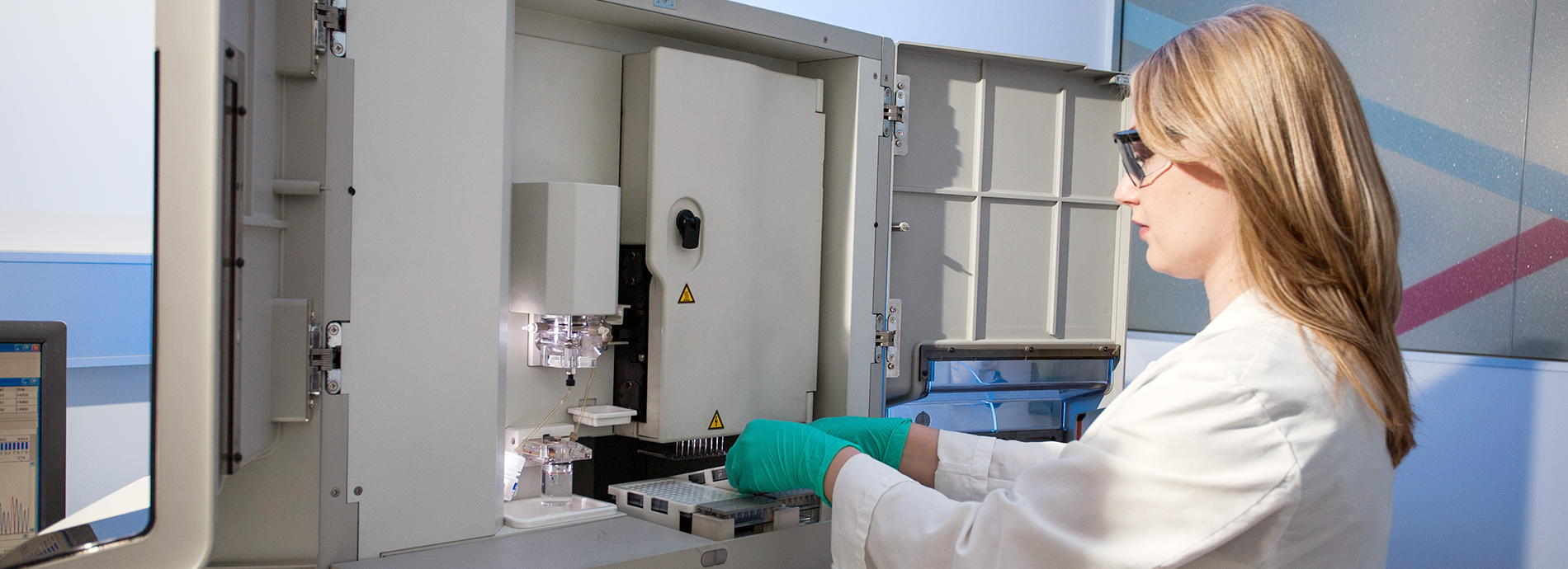
Griffith has 18 iLab core research facilities, supporting interdisciplinary research to internal and external researchers staff and students.
Our highly skilled technical staff are at the heart of our state-of-the-art research facilities, and can help drive productivity and excellence in your research.
To explore our iLab research capabilities and contact our core managers, please visit our iLab@Griffith website.
To access our iLab cores
To register as a Griffith user, please use your Griffith credentials. For external users, please "sign-up" as a non-Griffith user (top right corner) and follow the steps (see our quick video on How to register as a non-Griffith user).
Need iLab support?
Check our self-help material at iLab@Griffith or fill in one of our forms (SSO access). For external users, we recommend contacting the iLab Core Manager directly as the first point of enquiry (see core list); alternatively, you may also email ilab@griffith.edu.au.
Can't find what you need on iLab?
You can now find more information on all research equipment available at Griffith University on our Research Infrastructure Portal.
Cores at Institute for Biomedicine and Glycomics
Other cores at Griffith University